Re-do transcription for several files at once
Select several files, pick the transcription options once and re-run them all, for example with a corrected language or a different speaker count.
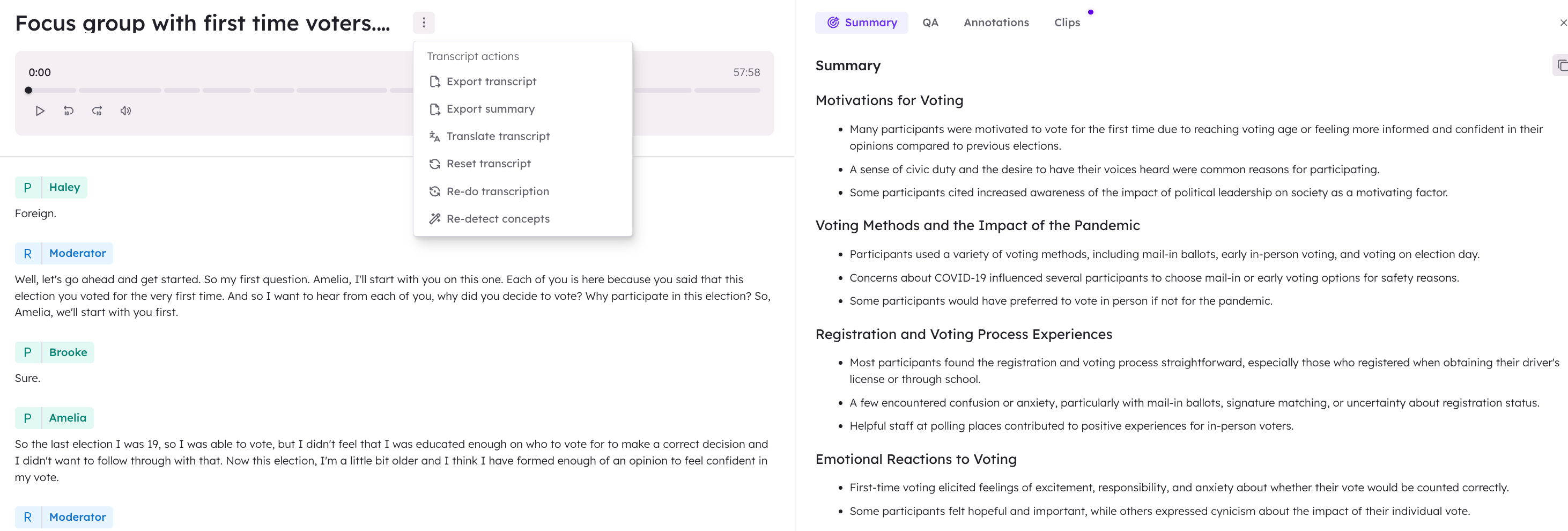
Select the files, open Actions in the bar at the bottom of the screen and choose Re-do transcription. You pick the options once, confirm the reset, and they apply to every selected file.
Anything in the selection that cannot be transcribed again is left out and counted in the message that follows: documents, files never transcribed or still transcribing, files whose media has been deleted, and files with a translator track, which are re-done from the row menu so their interpreter language can be set per file.
Re-transcribing replaces the transcript, its speakers and their labels. Outputs generated from the old transcript keep the speaker names they were built with until they are regenerated.