Simultaneous Translation
Introducing SimTrans: a more reliable way to analyse interpreted interviews, with every speaker identified.
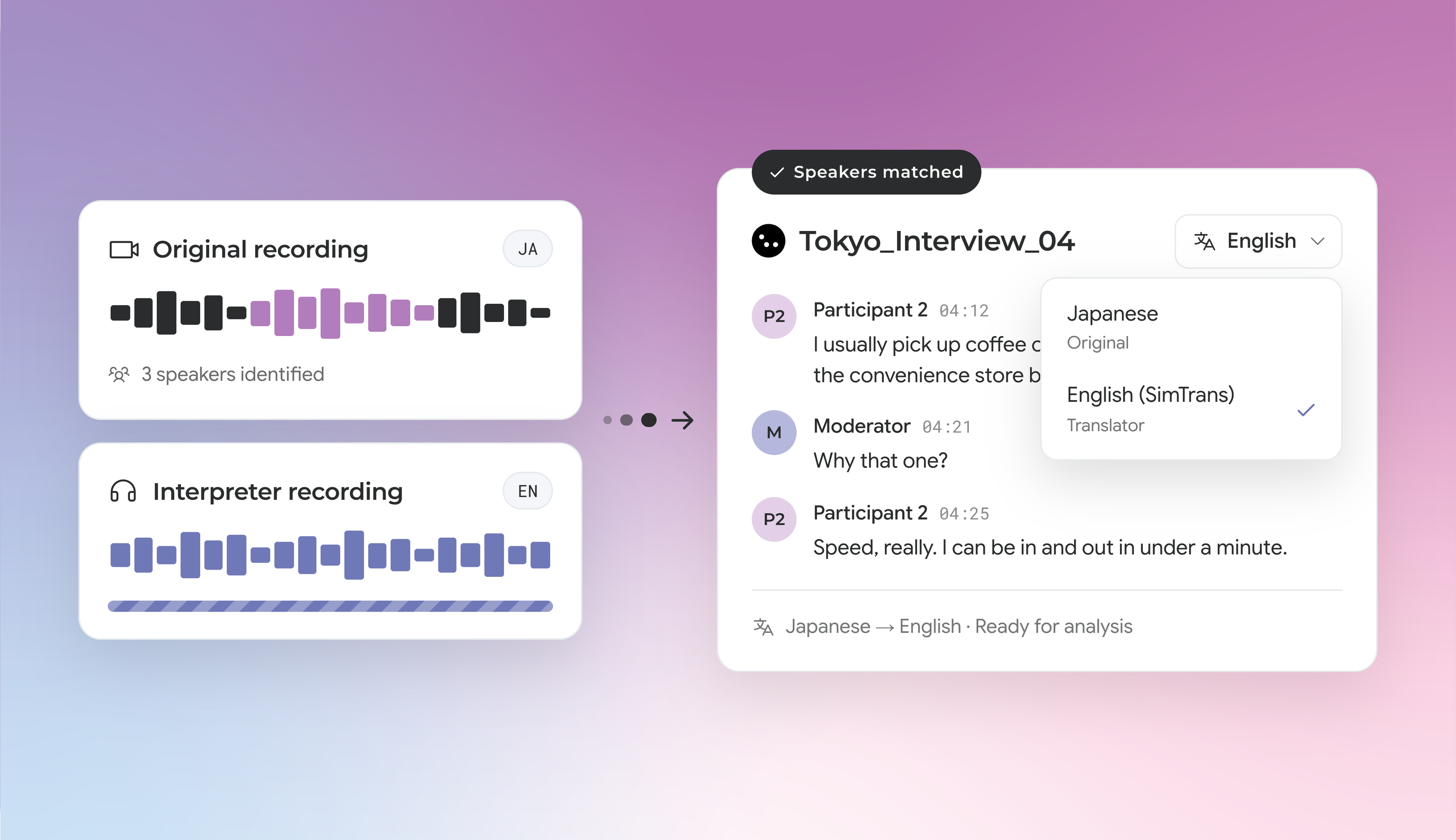
When you run research across markets with an interpreter, CoLoop now brings the original recording and the interpreter’s translation together in a single file. It’s more accurate than the original alone, with more nuance than the interpreter’s recording alone.
Upload both recordings of the same interview. CoLoop identifies each speaker from the original recording, matches the interpreter’s words back to the right person, and makes the translation ready for analysis.
To get started, go into your project’s Files tab, click ‘Import data’ and select ‘SimTrans.’ Add both recordings, then set the spoken and translator languages.
What this means:
- More accurate transcriptions: Your interpreter’s translation powers your analysis and search. Any gaps in the transcript are auto-translated, so nothing gets missed in your analysis.
- Your interpreter’s work, now in your analysis: Use your interpreter’s recordings (separate files or one stereo track) and CoLoop matches every translated line to the right speaker.
- Clean evidence, easy to verify: Every quote belongs to one speaker. To check it, jump back to the source and replay the interpreter or the original recording in one click.