Improvement
Home Page UI Update
The projects page has a new design, built around how you organise, sort and find your work.
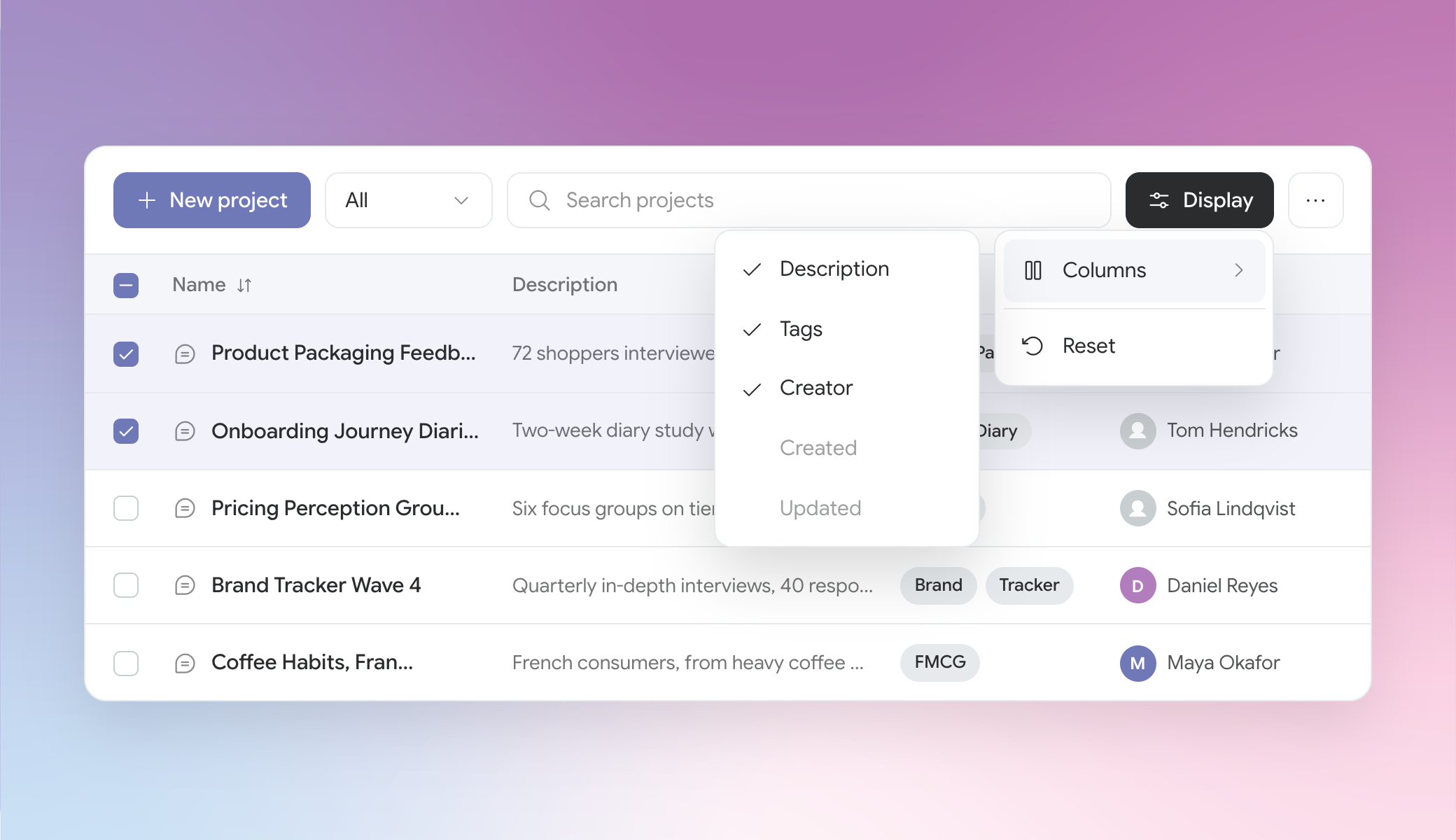
- Find any project faster: Search as you type, then narrow by owner, tag, type or date – so you get to the right project without scrolling through everything your team has ever run.
- Customise your display: Choose which details matter (owner, tags, description, dates), sort and filter by them. CoLoop remembers your setup, so the list looks the way you left it every time you come back.
- Organise in bulk: Multi-select a group of projects and tag them together, or use the three vertical dots to rename, manage access or archive a single project – all without entering a project.
- Navigate from one column: Navigation now lives in a single rail on the left-hand side, giving you a clear bird’s-eye view of your projects, while everything else – workspace switching, usage, settings, help – is one click away from wherever you are.