New feature
Video Anonymization: Blurring
Blur faces or any other identifying detail, so participant reels can safely leave the project.
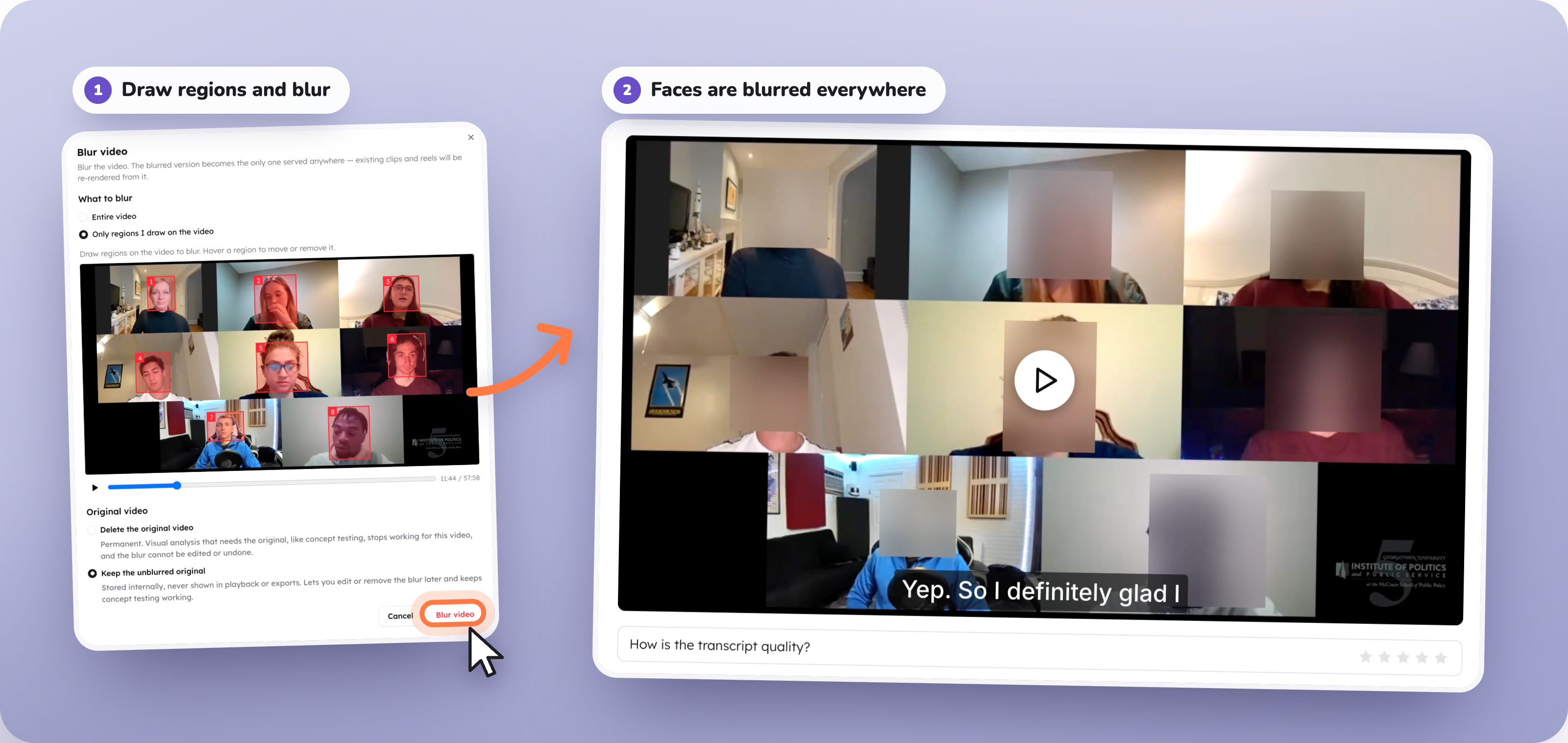
Two ways to blur:
- Blur the whole video: Blur the entire file in one step. The original is permanently deleted and replaced with the blurred version, so nothing identifiable is left behind.
- Blur selected areas: Pick out the faces or on-screen names you want hidden. Only those areas are blurred; everything else stays sharp.
Two places to do it:
- From the source file: Blur the video once, and every clip cut from it re-renders automatically. Anything you share is covered.
- From a reel: Blur directly while editing, without leaving the reel editor.