New feature
Chat to Grid
Describe, create, build or query your grid with Grids AI
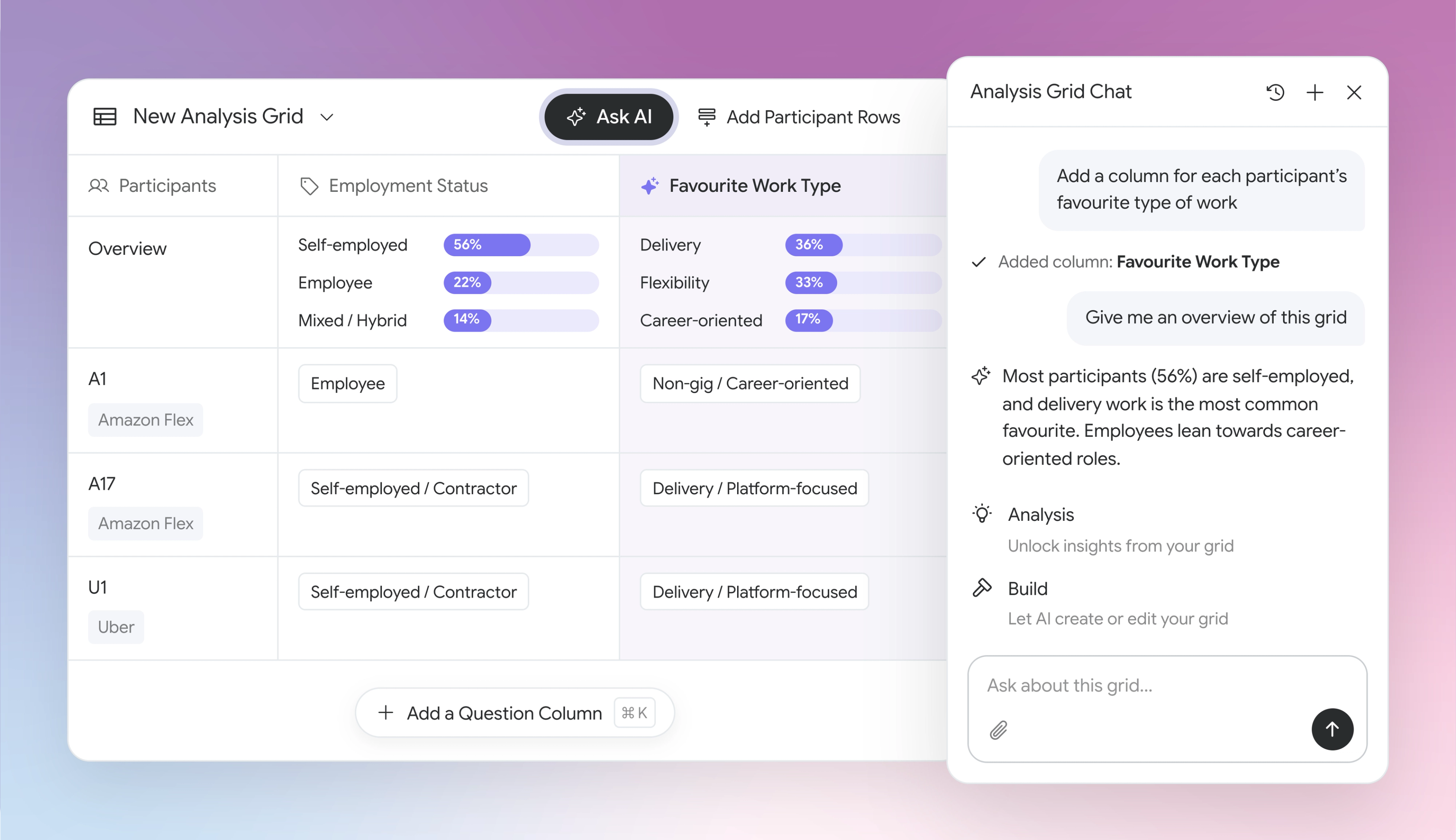
Your grid holds all of your key findings, but setting one up takes time, and finding the pattern across dozens of participants and questions can mean a lot of scrolling and cross-checking.
Now you can build your grid just by describing it. Tell Ask AI what you want to analyse, or attach a brief or a spreadsheet you already use, and it sets up the columns and rows for you.
‘Ask AI’ sits inside your grid and works from what’s already in it. Ask a question and CoLoop answers from your grid’s columns, labels and overviews. Tell it what else you need to know and it builds the grid for you, so your analysis grows as your questions do.
That means:
- Build your grid in one sentence: Tell the AI what you need to know and it adds or edits columns for you. Attach a file, such as your discussion guide, and it can build a grid from that.
- Interpret your grid faster: Ask a question in plain English and CoLoop answers from your grid, so you can compare across participants without scanning every cell.
- The same answer, every time: Ask AI answers from the labels, counts, and responses already in your grid, so you get consistent answers no matter how many times you ask.